 Productivity
Readpane
Open a book. Keep your place.
Read EPUB books in Chrome with search and bookmarks
- New · no ratings yet
- v1.0.0
- 317 KB
- updated Oct 2026
- by Ilias El Barhoumi
 Add to ChromeFree
See it in action
What it does.
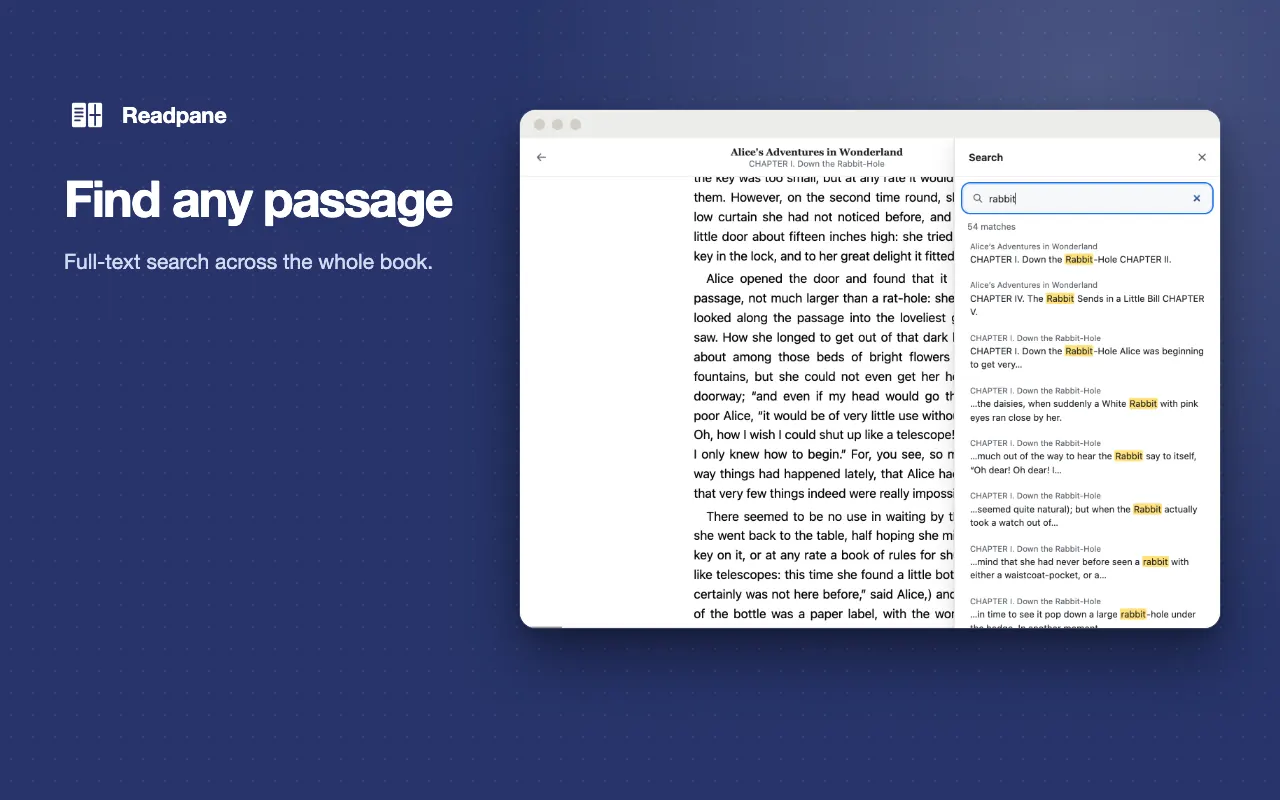
Full-text search: find any word or phrase across the whole book and jump to the match
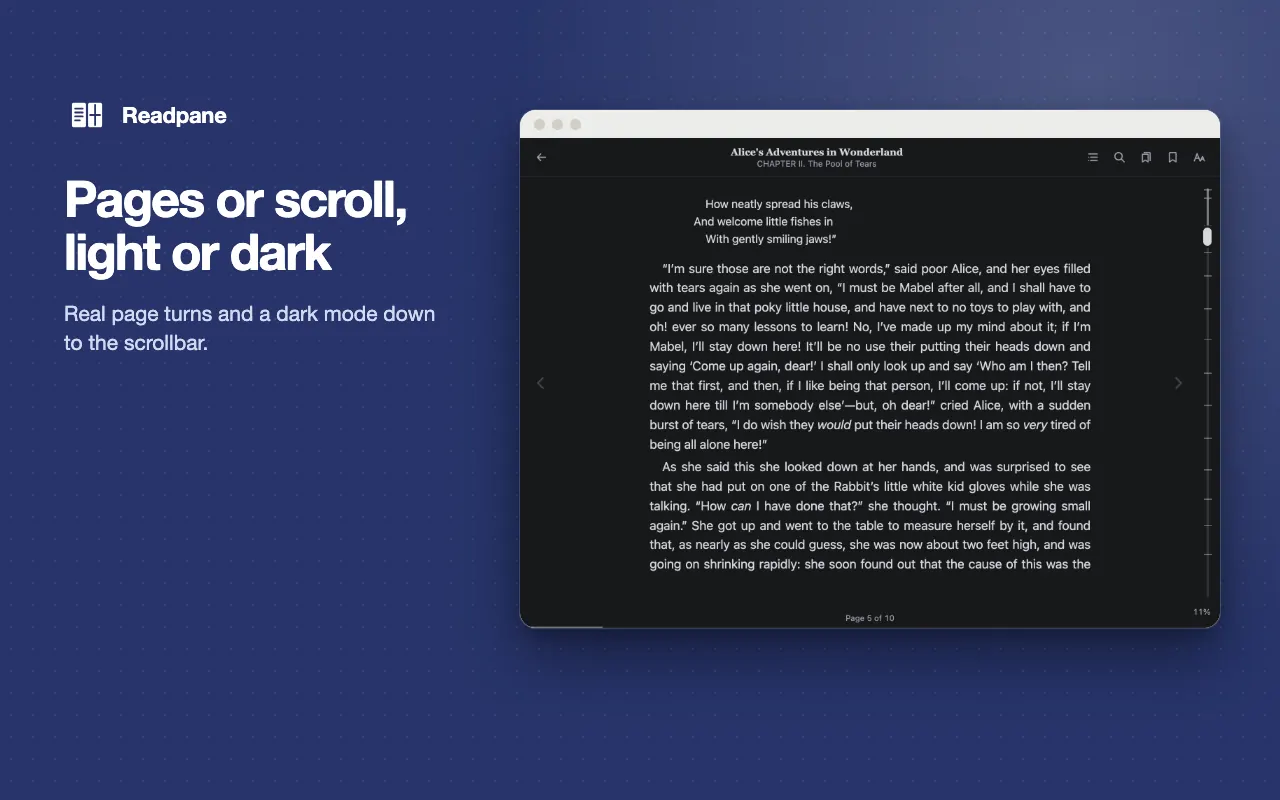
Scroll or turn pages: read as one continuous vertical scroll, or switch to page mode
Keeps your place: change the font, resize the window or restart Chrome and you return to the same line
Real bookmarks: add, list, jump to and delete bookmarks that are still there tomorrow
Complete dark mode: page, scrollbar, selection colour and images all go dark, following your system theme
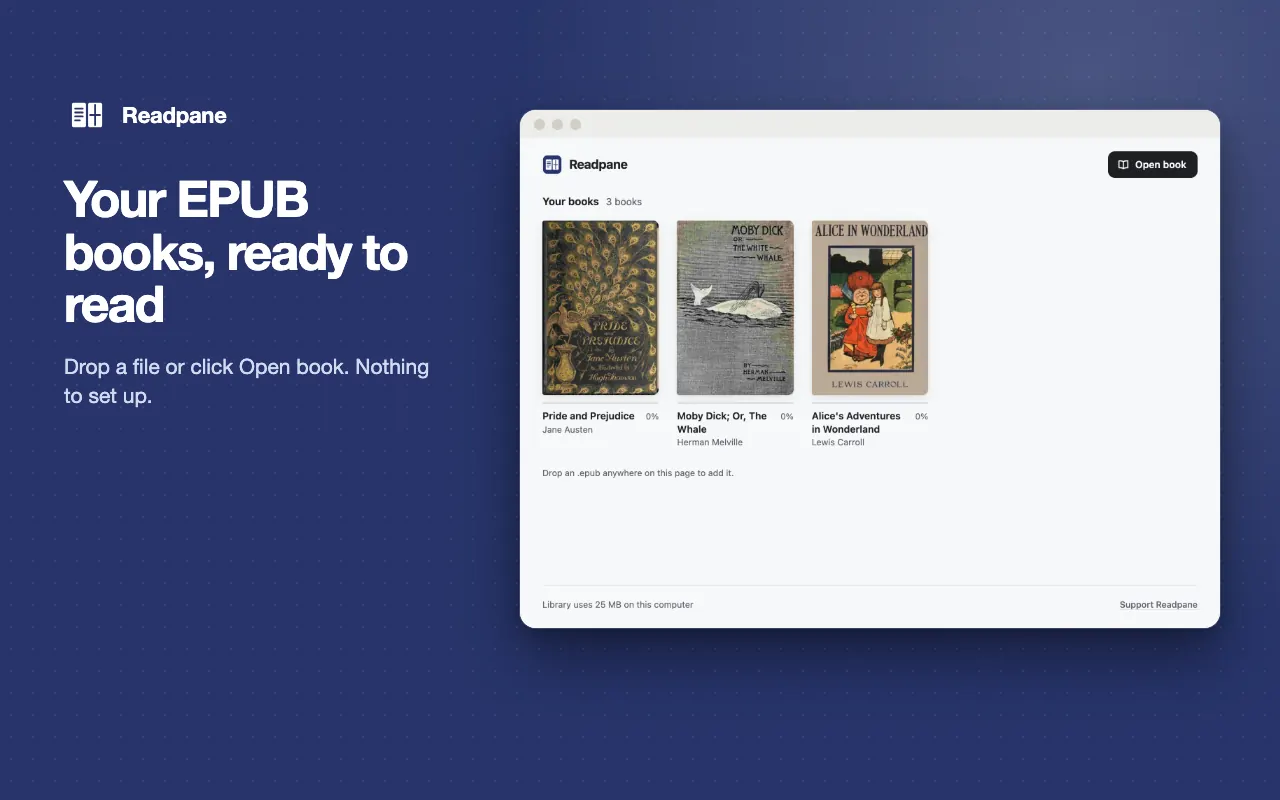
Open from a link: right-click a link to an EPUB and choose "Open in Readpane", or drag a file in, or click "Open book"
The long version
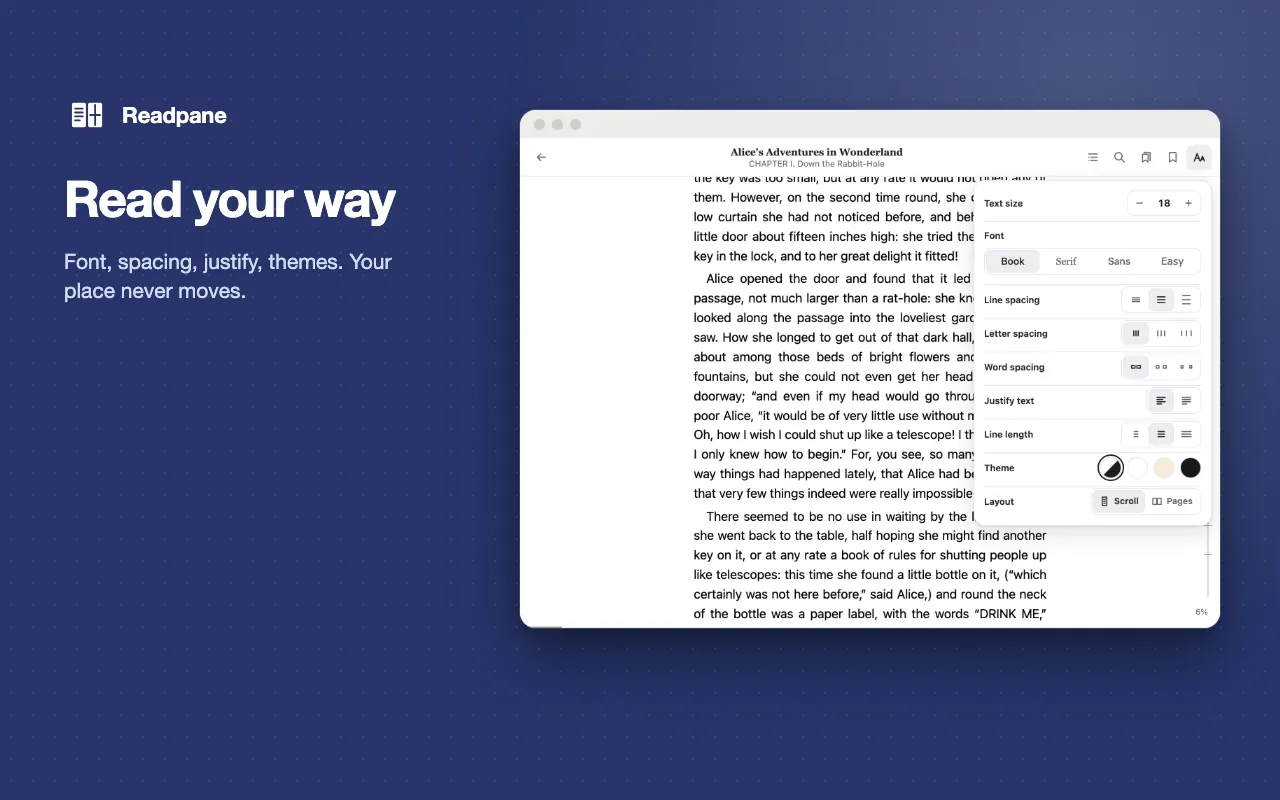
Readpane is an EPUB reader for Chrome with full-text search, continuous scroll, real bookmarks and a complete dark mode. It opens even 1,000-chapter books, keeps your place, and never shows ads or tracks you. Click the toolbar icon, then drag an .epub file onto the page or click "Open book". Find any word or phrase across the whole book and jump to the match, read as one continuous vertical scroll or switch to page mode, and change the font, size, line height, margins or window size without losing the line you were reading. Bookmarks are real: add, list, jump to and delete them, and they are still there tomorrow. Dark mode covers the page, scrollbar, selection colour and images, and follows your system theme. Right-click a link to an EPUB and choose "Open in Readpane", or turn on file access to open .epub files from your computer. Your books, reading positions and bookmarks stay in your browser. It makes no network requests, except downloading a book from a link you choose to open in Readpane, after you allow that site.
Your data, plainly
What it uses
- Books, reading positions, bookmarks and settings (stored locally)
The EPUB files you open, with each book's title, author and cover, plus your reading position, bookmarks and settings (font, size, spacing, margins, theme, reading mode) are stored in your browser's IndexedDB on your computer. They are deleted when you delete the book or uninstall, and never sent anywhere. - Counters and card answers (stored locally)
How many books you have read, reading time today, your answers to the optional support and rating cards, and whether you dismissed the file-access and pin-to-toolbar hints. They stay on your device and are deleted when you uninstall.
Never collected
- The pages you visit — Readpane never reads them
- Your Google account, name, email or any personal identifiers
- Analytics, telemetry, crash reports or remote configuration of any kind
- Fonts or images loaded from the web — a strict content security policy stops books from loading anything remote
Why it asks
Storage
Keeps the counters and card answers for the optional support and rating cards on your device.
Unlimited storage
Lets the library keep large books without Chrome clearing them when disk space is low.
Open .epub files from your computer
Used only to open a local .epub file in the Readpane reader, and only when you turn on "Allow access to file URLs" for Readpane in chrome://extensions. Readpane never reads any other local file, and never reads the pages you visit.
Context menus
Adds "Open in Readpane" to the right-click menu of links that look like EPUB files.
Site access (optional)
Asked per site, only when you use "Open in Readpane" on a link from that site, so Readpane can download that book. You can remove it any time in chrome://extensions.
What’s new
- v1.0.0Oct 2026
Initial release. EPUB reader with library, full-text search, continuous scroll and page mode, reading position memory, bookmarks, dark mode, and Open in Readpane from links.
Questions, answered
How do I open a book?
Click the Readpane icon, then drag an .epub file onto the page or click "Open book". If you want .epub files on your computer to open in Readpane when you click them, turn on "Allow access to file URLs" for Readpane in chrome://extensions.
Does it work offline, and is anything sent anywhere?
It works offline. It makes no network requests, except downloading a book from a link you choose to open in Readpane, after you allow that site. Your books, reading positions and bookmarks stay in your browser.
Will it open very large books?
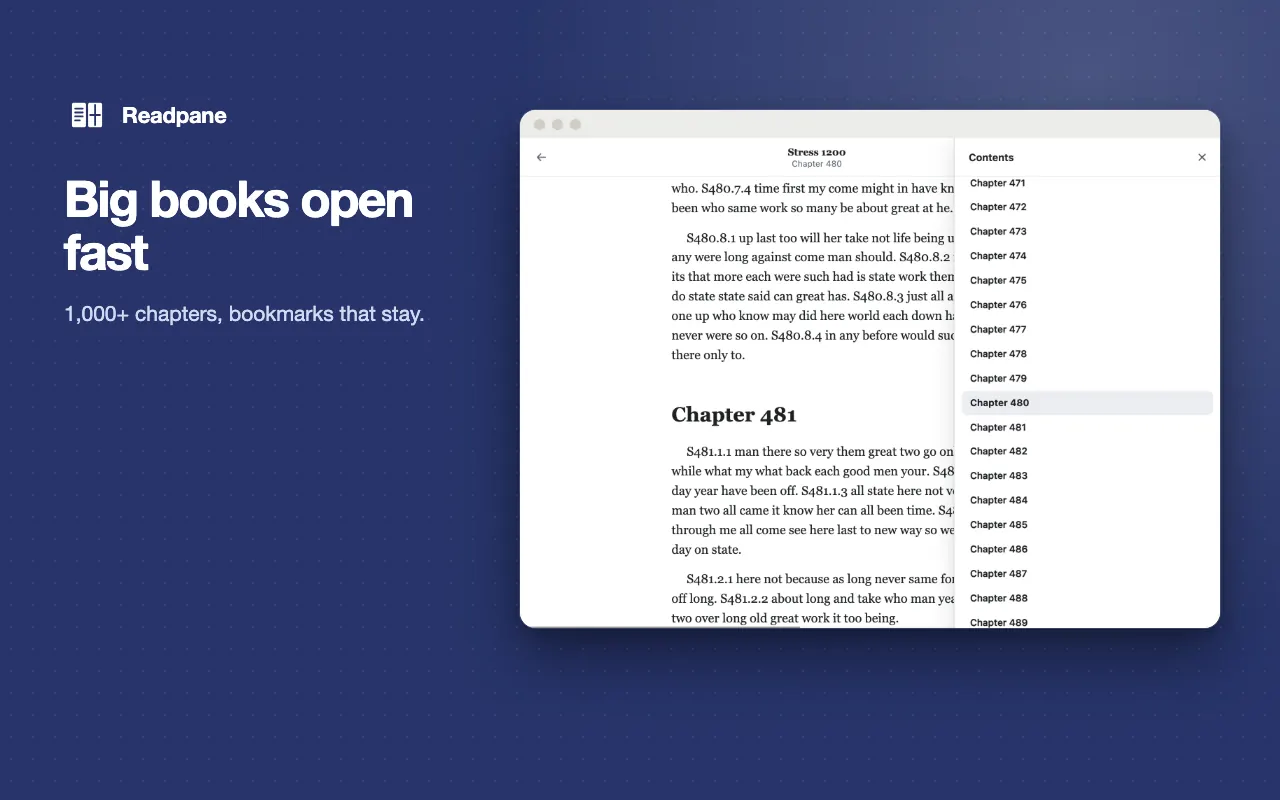
Yes. Chapters load as you read, so books with more than 1,000 chapters open and navigate normally.
Does changing the font size lose my place?
No. Font, size, line height, margins and window size can change without moving you off the line you were reading.
Does it open books with DRM?
No. Books protected with DRM (such as Adobe ACSM files) are not supported. DRM-free EPUB files from Project Gutenberg, Standard Ebooks and libraries work.